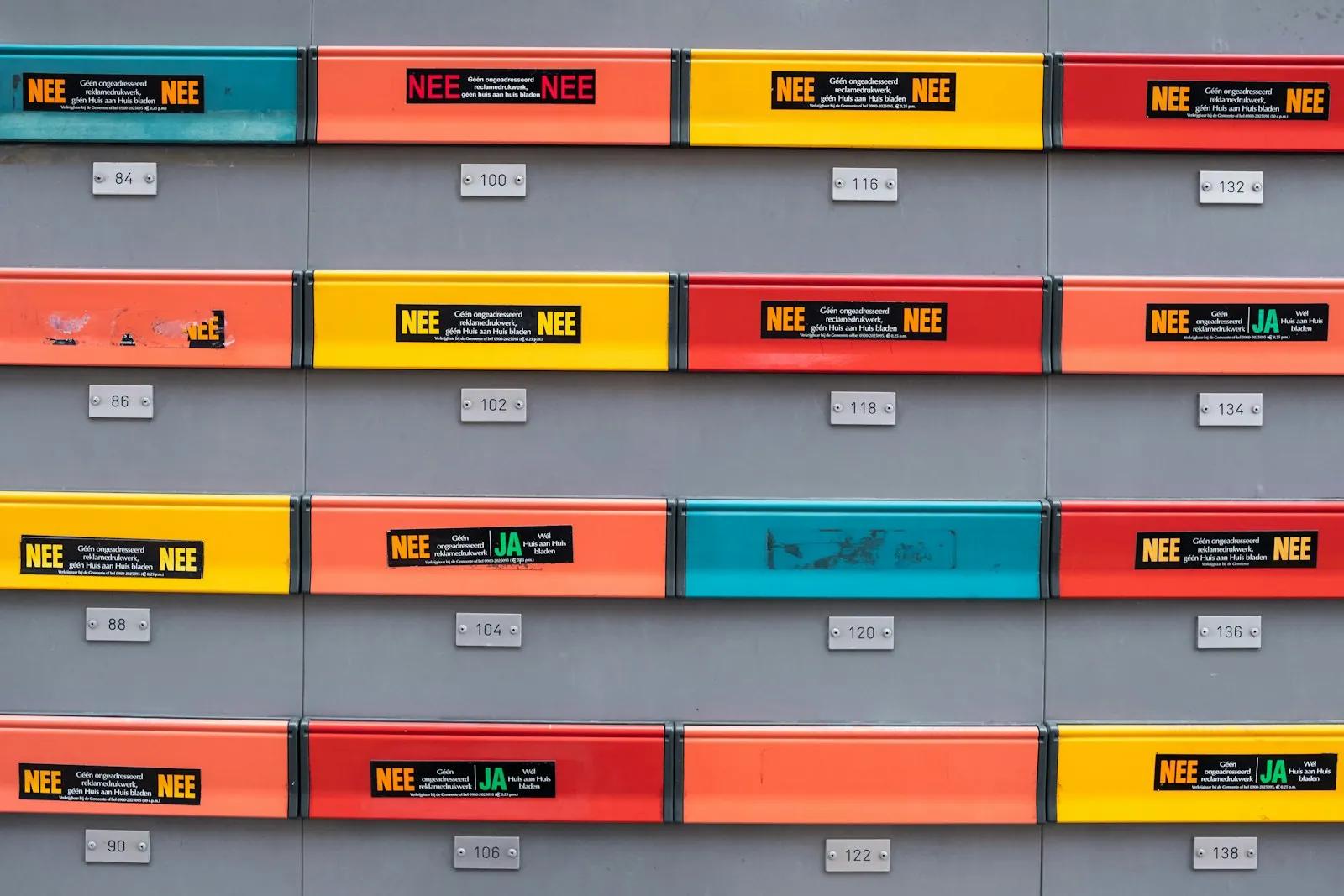
Role addresses like info@ and admin@: why they bounce and what to do
Addresses like info@, admin@ and sales@ are often unmonitored or blocked at sign-up. Learn when to accept them, how to handle bounces, and when to ask for more.
On this page(8 sections)
A new customer signs up with [email protected]. Your welcome email goes out, and either nothing happens or a bounce comes back a day later. Role addresses such as info@, admin@, sales@ and support@ belong to a function rather than a person, and they behave differently from personal addresses. If your product sends email, you need a clear policy for them.
This guide explains what role addresses are, why they cause trouble, and how to handle them in sign-up forms, sending code and support conversations.
What a role address is
A role address names a job, not a human. Common ones include:
- info@, contact@, hello@
- admin@, administrator@, webmaster@, postmaster@
- sales@, billing@, support@, help@
- noreply@, no-reply@
Many role addresses are a shared mailbox or a forward to several people. Some are not read by anyone. A few, such as postmaster@ and abuse@, have special meaning in how mail systems work, and the mail sent to them is often handled by automated tools.
Role addresses are not wrong or bad. A small company may run its whole business from one. The trouble is that you cannot tell, from the address alone, whether a person will see your message.
Why they cause problems
Nobody owns the reply. A message sent to info@ may sit in a shared mailbox that is checked once a week. A password reset or a verification link may expire before anyone sees it.
Shared mailboxes mean shared exposure. Whatever you send, several people can read. A receipt with a billing detail or a sign-in link can reach people the customer did not intend.
They attract more spam and complaints. Role addresses are listed in public places and guessed by senders, so they receive a lot of junk. People who manage them mark mail as spam more freely, and complaints count against your sender reputation. See suppression list policy for how to react.
Some providers reject them for certain uses. Many services refuse role addresses for account sign-up, and some mail systems filter mail to them more aggressively.
They bounce more. Role addresses are often abandoned, renamed or removed when a company changes. That is a reason for hard bounces. Hard versus soft bounces explains what to do with each type.
Should your product accept them
There is no single right answer. Decide by what the address will be used for.
| Use | Recommendation |
|---|---|
| Account sign-up and sign-in | Prefer a personal address, but allow role addresses if you verify them |
| Billing and invoices | Role addresses are normal and often better (billing@) |
| Security alerts and password resets | Strongly prefer a personal address |
| Product updates and newsletters | Allow, but expect lower engagement and more complaints |
| Support replies | Allow, since the person writing is choosing it |
If your product is for small businesses, blocking role addresses will turn away real customers who only have one. A softer approach works better: accept them, and make sure they work.
How to handle them in sign-up
- Do not reject them silently. If you decide not to accept role addresses for sign-up, say so on the form: "Please use an address that belongs to you, such as [email protected]."
- Verify, always. Send a confirmation link and require it before the account is active. This proves that somebody can read the mailbox.
- Make the link last long enough. A role mailbox may be checked a day later. A 24-hour expiry is safer than 10 minutes for shared addresses; use short expiries only for codes that arrive in real time.
- Offer a second contact. Ask for a backup address for account notices, and explain why.
- Do not put secrets in the message. Anything sent to a shared address can be read by others. Use links that expire and require sign-in.
How to handle them in sending code
- Flag role addresses when you store them. A simple check on the part before the @ against a short list is enough. Keep the list in one place and treat it as a hint, not a verdict.
- Send lower-risk messages to them. Receipts and notices are fine. Sensitive messages should go to the account owner's personal address when you have one.
- Watch the bounce and complaint rates separately. If role addresses bounce much more than others, your validation or expiry rules need work.
- Stop sending after a hard bounce. The same rule applies as everywhere else. See the bounce and complaint webhook pipeline for a design that does this automatically.
When you need to write to one in support
If a customer's only contact is a role address and you must discuss account details, ask them to confirm who they are from their account. Do not reveal anything to a shared address that you would not tell a stranger. Offer to move the conversation to a named person, and make that easy: one reply with a name and a direct address is enough.
For your own company
If you use info@ and support@ yourself, make sure someone owns each one. Put it in a shared inbox with named owners and a response target, so that messages sent to a role address are not lost. When a team needs a shared inbox covers the setup, and catch-all addresses explains why open addresses collect spam.
What to remember
Role addresses are normal, but they are not guaranteed to reach a person. Accept them where the cost of a missed message is low, ask for a personal address where it is high, always verify by email, and give shared mailboxes more time to respond. Track their bounce rate separately so you see problems early.
Start with Koltrix
Your domain, one inbox, and an API that sends.
A team inbox where AI sorts and drafts (nothing is sent without your click), plus the transactional API and SMTP relay your product sends with. 7 days free, no card.